

Welcome to the FASAH Playbook
Let’s be honest—customs paperwork in Saudi Arabia can feel like trying to solve a Rubik’s cube blindfolded. If you’ve just Googled “how to use FASAH”, “فسح خطوات”, or “Saudi customs clearance process”, chances are you’re staring at a pile of invoices, bills of lading, and a half-finished FASAH account wondering where to click next.
You’re not alone. Every month, over 120,000 importers wrestle with the FASAH portal (نظام فسح)—the Kingdom’s single electronic window for clearing goods. The system is brilliant once you know the ropes, but until then it can feel like every button leads to a new dead end. Registration glitches, document rejections, mysterious yellow status bars—we’ve been there.
That’s exactly why this guide exists. Think of it as the co-pilot we wish we had on day one:
• Click-by-click GIFs for every screen (no more guesswork)
• Arabic terminology side-by-side with plain English so nothing gets lost in translation
• Real SAR screenshots and live tracking examples taken from Jeddah Islamic Port and Riyadh Dry Port this week
• Pro-tips straight from licensed Saudi customs brokers who clear shipments daily
By the end of the next seven minutes, you’ll know how to:
- Register your business on FASAH in under 5 minutes
- Upload the exact documents customs officers expect (and the file sizes they hate)
- Track your shipment in real time—green, yellow, red codes decoded
- Pay duties online and download your delivery order without ever leaving the portal
Ready to turn the FASAH maze into a straight line?
Grab your Commercial Registration (السجل التجاري) and let’s get started.
Section 1: The First Step – Registering Your Business on FASAH (التسجيل)
Getting Your Foot in the Door: A Simple Registration Guide
30-Second Overview
FASAH registration (التسجيل في نظام فسح) is your first step into the world of Saudi customs clearance. The process is straightforward once you have the right documents ready. Here’s what you need:
- Commercial Registration (السجل التجاري): Your business’s official ID in Saudi Arabia.
- Authorised Person’s ID: This could be your Iqama or Saudi National ID.
- VAT Certificate: If applicable, ensure it’s up to date.
- Customs Client Code: Obtain this from the General Authority of Zakat and Tax (GAZT).
The entire process should take no more than 5–10 minutes if you have these documents handy.
Visit the FASAH Portal
Open your web browser and head to the FASAH portal (https://fasah.sa). Click on “Register a new account” (تسجيل حساب جديد). [GIF 1: Registration button]
Fill in the Required Fields
- Commercial Registration Number (السجل التجاري): Enter the 15-digit number found on your CR document. Pro-tip: Keep the PDF copy open to avoid typos.
- Authorised Person’s ID: Upload the front and back of your Iqama or Saudi National ID.
- VAT Certificate: If applicable, upload the PDF.
- Customs Client Code: Enter the code provided by GAZT.
Verify Your Account
You’ll receive an SMS code on your registered mobile number within 60 seconds. Enter this code to verify your account.
Confirmation Screen
Once verified, you’ll see a confirmation screen displaying your new FASAH User ID. Screenshot this for future reference.
Quick Checklist Box
- Commercial Registration valid for ≥ 90 days
- Iqama or Saudi National ID not expiring within 30 days
- Mobile number matches Absher record
By following these steps, you’ve successfully registered your business on FASAH. Next up, we’ll dive into the core process of uploading your shipment documents.
The Core Process – Uploading Your Shipment Documents (الإفادة الجمركية)
The “Upload, Track, Pay” Trifecta: Submitting Your Import Declaration
الإفادة الجمركية هي الوثيقة الإلكترونية التي تُقدّم عبر نظام فسح لإعلان تفاصيل الشحنة وتحديد الرسوم والضرائب المستحقة.
Document Trinity
To successfully submit your import declaration, you’ll need three key documents:
- Commercial Invoice (الفاتورة التجارية): This document details the transaction between the buyer and seller.
- Bill of Lading (بوليصة الشحن): This is the contract between the shipper and the carrier.
- Certificate of Origin (شهادة المنشأ): This certifies the country of origin for your goods.
Step-by-Step with GIFs
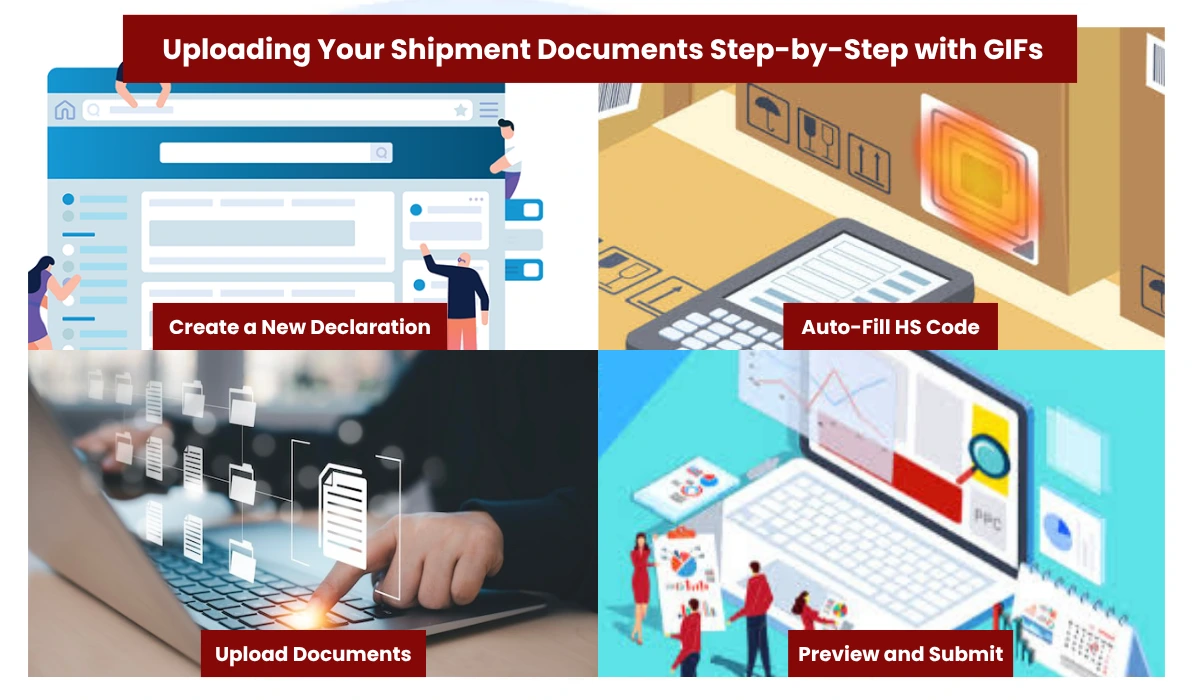
Create a New Declaration
- Log in to your FASAH dashboard.
- Click on “New Declaration” (إفادة جديدة) and select “Import” (استيراد). [GIF 3: New Declaration]
Auto-Fill HS Code
- Use FASAH’s smart search to auto-fill the HS code (رمز النظام المنسق) for your goods. You can type in Arabic or English.
- Ensure the code matches the description of your goods to avoid delays.
Upload Documents
- Commercial Invoice: Upload the PDF version of your commercial invoice. Ensure it’s less than 2 MB.
- Bill of Lading: Upload the PDF version of your bill of lading.
- Certificate of Origin: Upload the PDF version of your certificate of origin.
- The system will auto-tag these documents for you. [GIF 4: Upload bar]
Preview and Submit
- Click on “Preview” (معاينة) to review your declaration.
- Once everything looks correct, click “Submit” (إرسال).
- You’ll receive a Declaration ID (رقم الإفادة) starting with 2025-SA-. Keep this handy for tracking.
Pro Tip: If your declaration status turns yellow (معلق), it means additional documents are required. Upload the missing documents within 48 hours by clicking on “Edit” (تعديل) to avoid delays.
Quick Checklist Box
- Commercial Invoice in PDF format
- Bill of Lading in PDF format
- Certificate of Origin in PDF format
- HS code verified and accurate
Staying Informed – Tracking Your Shipment in Real-Time (تتبع الشحنة)
Watching the Journey: How to Track Your Cargo
Status Legend Table
| Colour | Meaning | Action |
|---|---|---|
| 🟢 Green | تم الإفراج | Print delivery order |
| 🟡 Yellow | يتطلب مستندًا | Upload missing file |
| 🔴 Red | رفض | Fix data & resubmit |
Step-by-Step Shipment Tracking
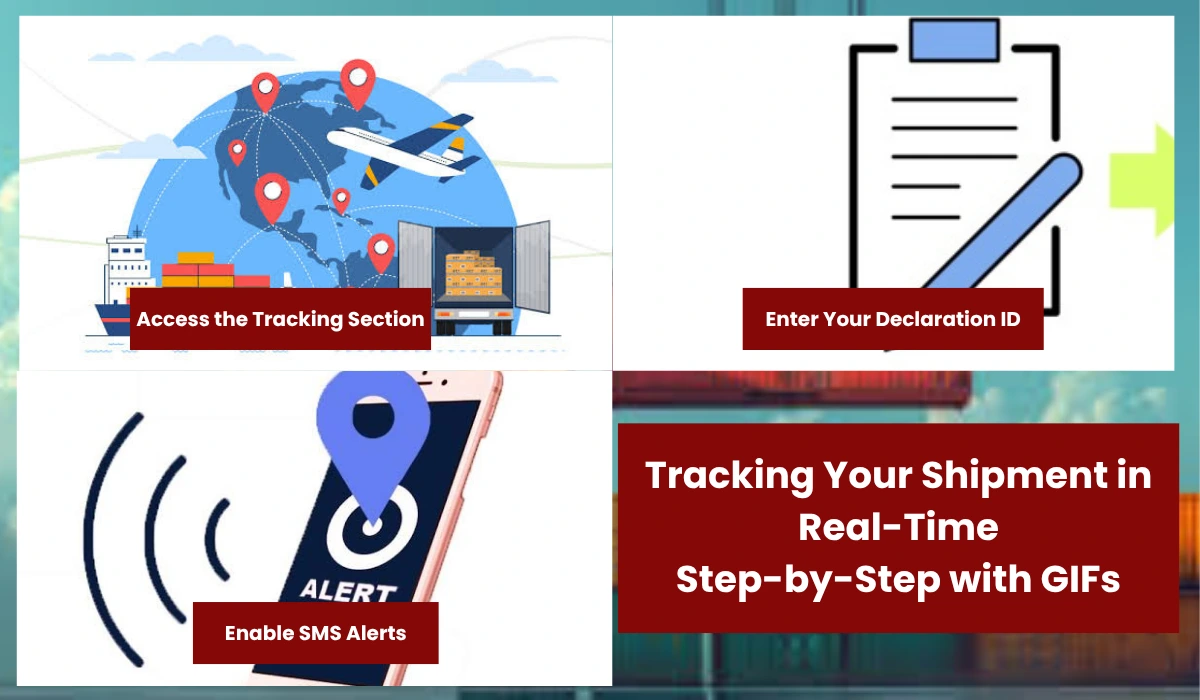
Access the Tracking Section
- Log in to your FASAH dashboard.
- Click on “Shipment Tracking” (تتبع الشحنة) in the main menu. [GIF 5: Tracking search]
Enter Your Declaration ID
- Enter your Declaration ID (رقم الإفادة) in the tracking field.
- Click “Track” (تتبع) to view the status of your shipment.
Enable SMS Alerts
- To receive real-time updates, enable SMS alerts by ticking the box next to “Enable SMS Notifications” (تمكين إشعارات الرسائل القصيرة).
- You’ll receive updates in both Arabic and English directly to your mobile phone.
Understanding the Status Codes
- Green (تم الإفراج): Your shipment has been cleared for release. You can now print your delivery order (أمر التسليم).
- Yellow (يتطلب مستندًا): Your shipment requires additional documents. Upload the missing files within 48 hours to avoid delays.
- Red (رفض): Your declaration has been rejected. Review the data for errors and resubmit.
Quick Checklist Box
- Declaration ID entered correctly
- SMS alerts enabled
- Status understood and next steps clear
The Final Stretch – Payment and Delivery Order Release (الإفراج عن أمر التسليم)
The Finish Line: Paying Duties and Releasing Your Goods
Fees in SAR
Before you proceed with the payment, it’s essential to understand the fees involved:
- Customs Duty: Typically 5% of the declared value of the goods.
- VAT: 15% on the total value, including customs duty.
- FASAH Service Fee: A flat rate of 15 SAR for processing your declaration.
FASAH Step-by-Step Payment Process
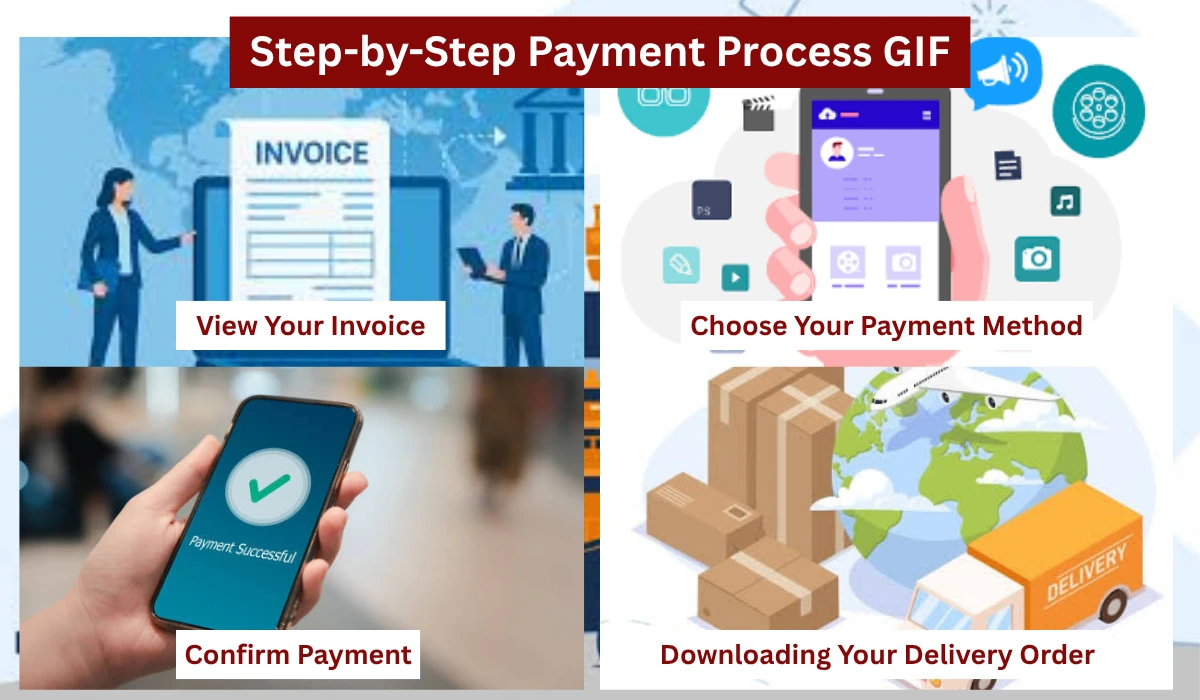
View Your Invoice
- Log in to your FASAH dashboard.
- Click on “View Invoice” (عرض الفاتورة) for your specific declaration. [GIF 6: Payment screen]
Choose Your Payment Method
- Select your preferred payment method:
- mada (沙特本地支付)
- Visa/Mastercard
- Apple Pay
- Ensure your payment details are accurate to avoid processing delays.
Confirm Payment
- Review the payment details and click “Confirm Payment” (تأكيد الدفع).
- You will receive an e-receipt via email. Download the PDF for your records.
Downloading Your Delivery Order
Once your payment is confirmed, you can proceed to download your delivery order (أمر التسليم):
- Your declaration status will change to green (تم الإفراج).
- Click on “Generate Delivery Order” (إنشاء أمر التسليم). [GIF 7: Download arrow]
- The delivery order will auto-download as a PDF.
Final Steps
- Print your delivery order and bring it to the port along with the original Bill of Lading and a copy of your Commercial Registration.
- Present these documents to the customs officer to collect your shipment.
Pro Tip: Always keep a digital copy of your delivery order and e-receipt for future reference. These documents may be required for accounting and tax purposes.
Quick Checklist Box
- Invoice reviewed and payment method selected
- Payment confirmed and e-receipt received
- Delivery order downloaded and printed
- Original Bill of Lading and Commercial Registration ready
Conclusion
You’ve made it to the finish line, and let’s just say, you’ve earned it. From the initial head-scratching moments of FASAH registration to the triumphant download of your delivery order (أمر التسليم), you’ve navigated the twists and turns of Saudi customs clearance like a pro.
what once seemed like a labyrinth of red tape is now a clear, straightforward path. You’ve got the process down pat, and with this guide by your side, you’re ready to tackle any shipment that comes your way. The FASAH portal (نظام فسح) is no longer a mystery—it’s a powerful tool in your arsenal, ready to streamline your business operations and keep your goods moving smoothly.
At Radhi Custom Clerance Co., we’ve been in your shoes. We know the frustration of staring at a screen, wondering what to do next. That’s why we’re here—to make your journey smoother, faster, and less stressful. Whether you’re a seasoned importer or just starting out, we’re your trusted partner in navigating the complexities of Saudi customs.
So, what’s next? Share your experience with us! We’d love to hear about your journey. What was the most challenging part for you? How did this guide help? Drop us a comment below or reach out to us on social media. Your story could help others just like you.
And remember, if you ever need a helping hand, Radhiawad is just a call away. We’re here to ensure your shipments sail through customs with ease, every single time.
Ready to take the next step? Contact us today to learn more about our customs clearance services and how we can support your business. Together, we’ll keep your goods moving and your business growing.
Contact Radhiawad: https://radhiawad.com.sa/contact-us/
Follow us on social media: https://www.facebook.com/radhiawad.co/Thank you for trusting Radhiawad. Here’s to smooth sailing and successful shipments!